Everything you need to run servers and ship to them
Applications, deployments, server management and monitoring, in one panel. This is the full list of what works today.
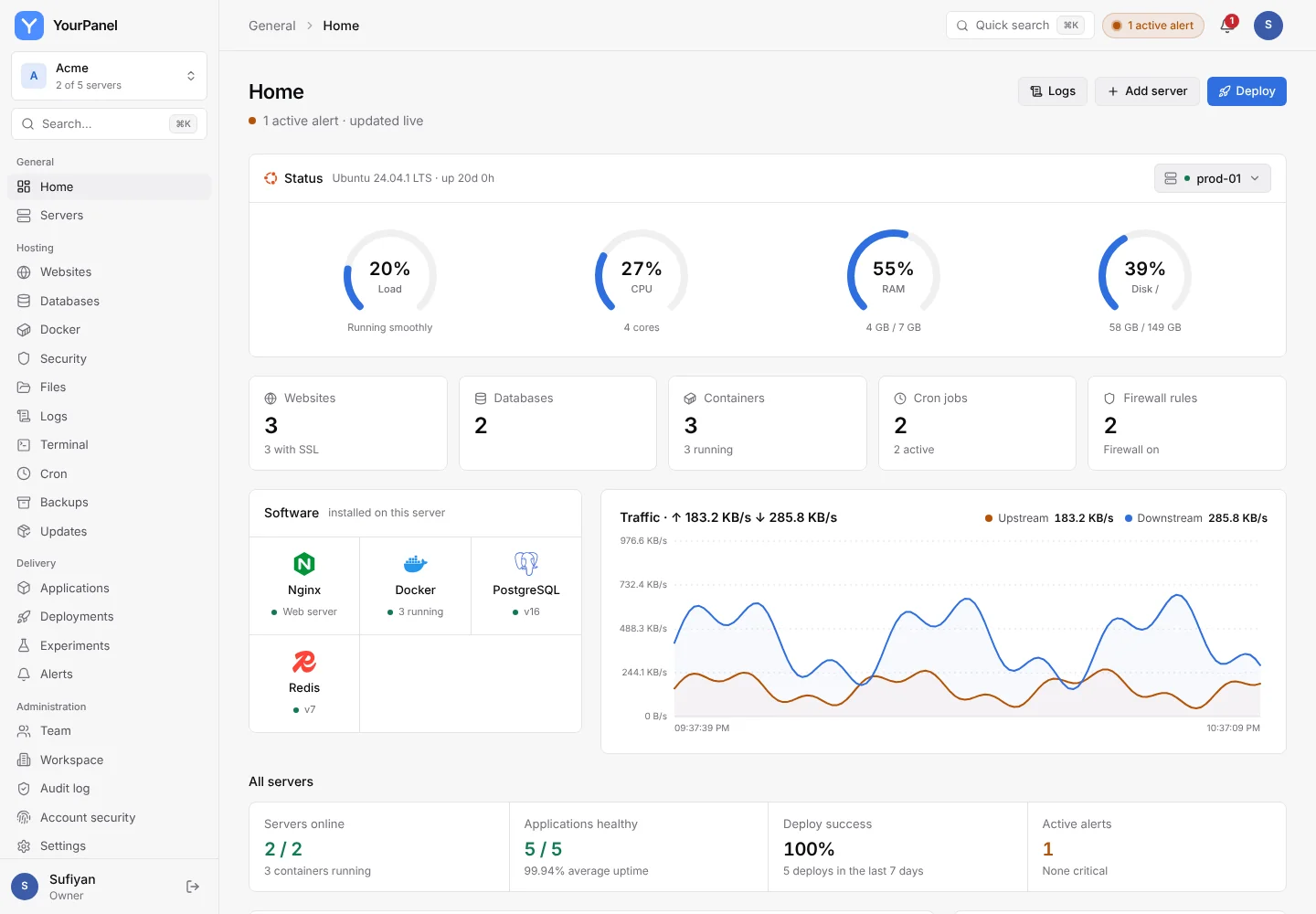
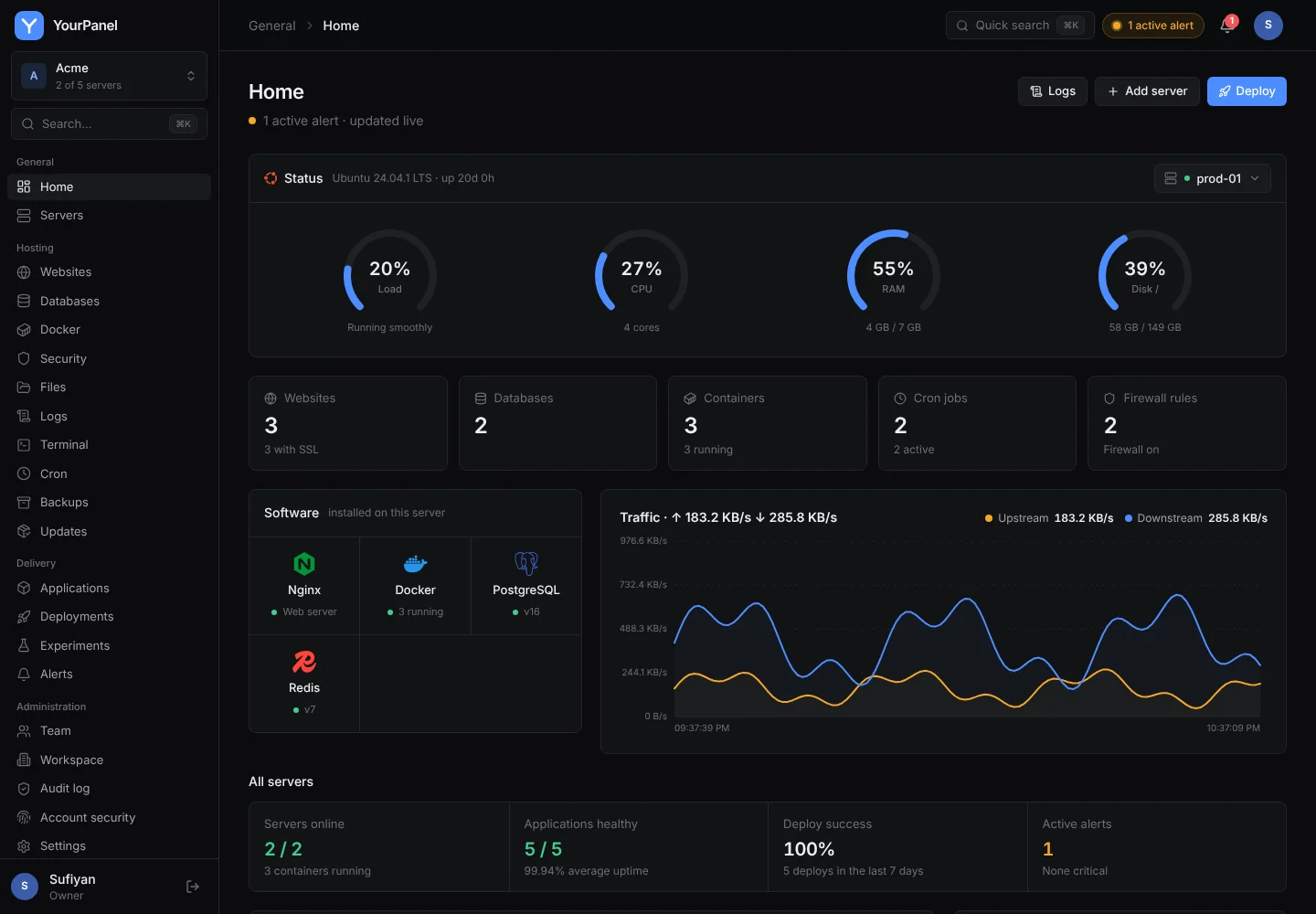
Live metrics and history for every server
The agent reads /proc directly and streams a sample every 5 seconds over its existing connection.
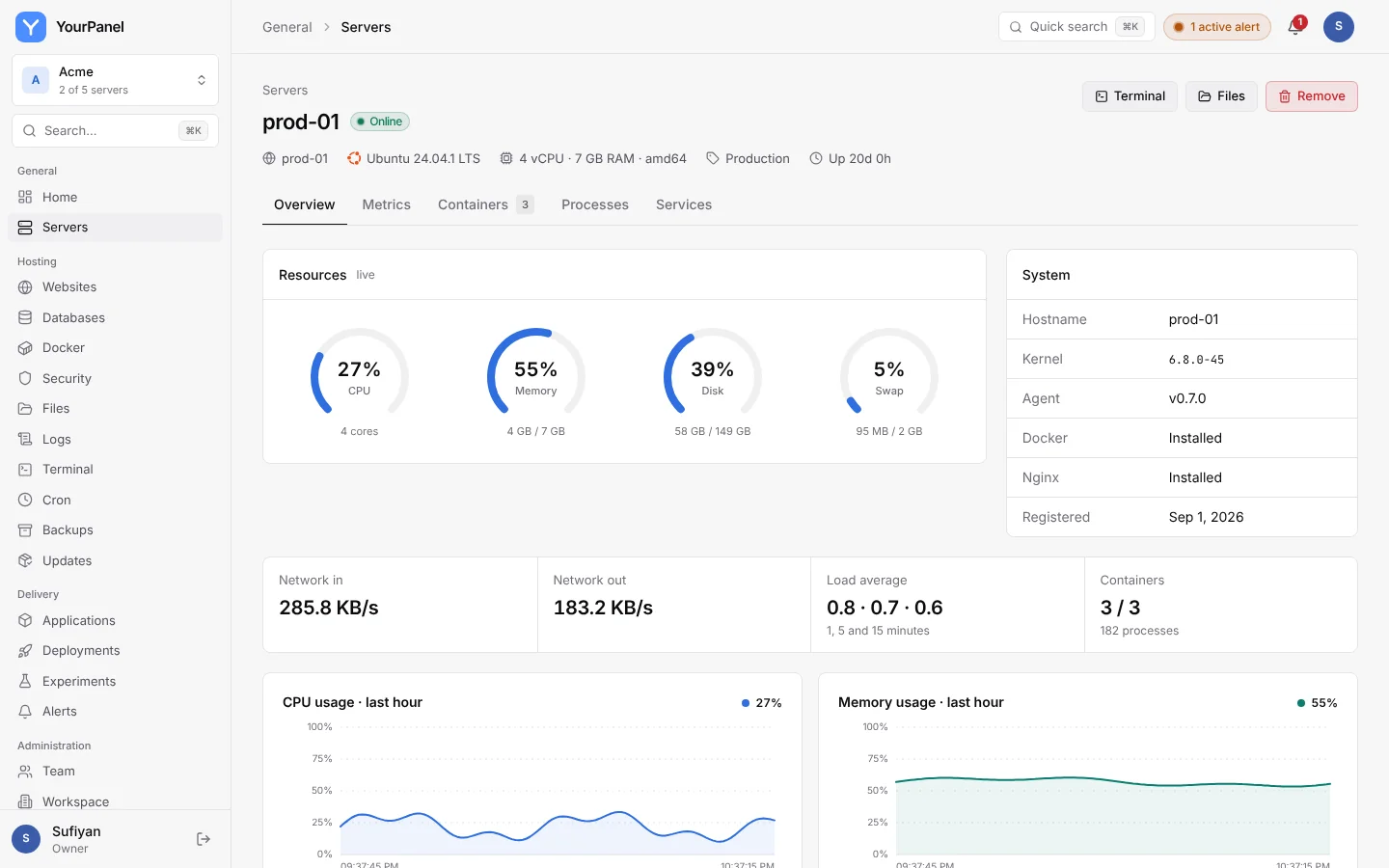
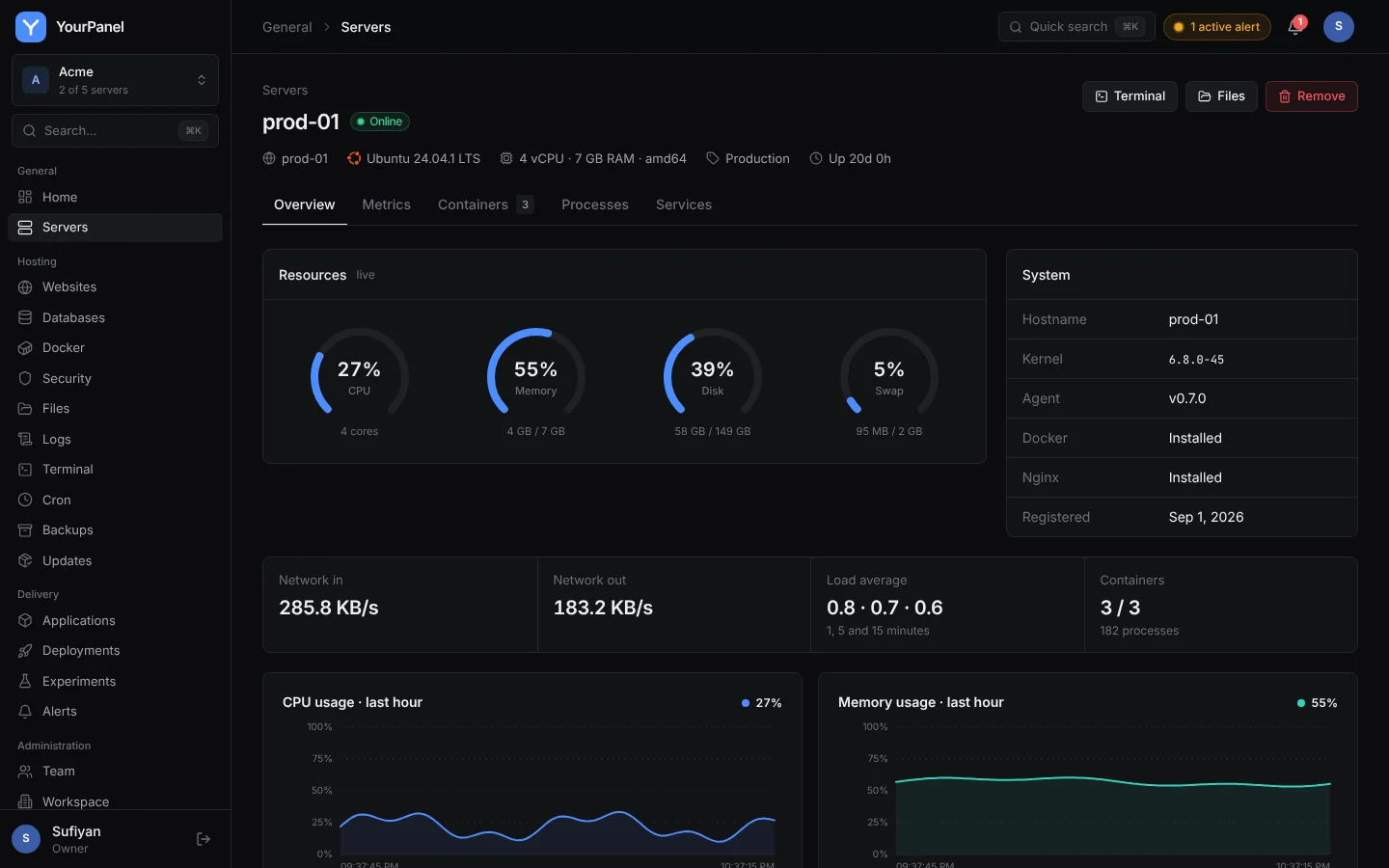
Live 5-second charts with 15m, 1h, 6h, 24h and 7d history.
Usage per server and throughput in and out.
All servers, online state, uptime and resource bars on one page.
See what is using the box, and stop or kill a process.
Every unit with its state; allowlisted units can be started, stopped and restarted.
Single-use token that expires in 60 minutes, stored hashed.
Run any app, the way that suits it
Connect a repository or upload a build, pick how it runs, and YourPanel installs the runtime, starts it and puts Nginx in front.
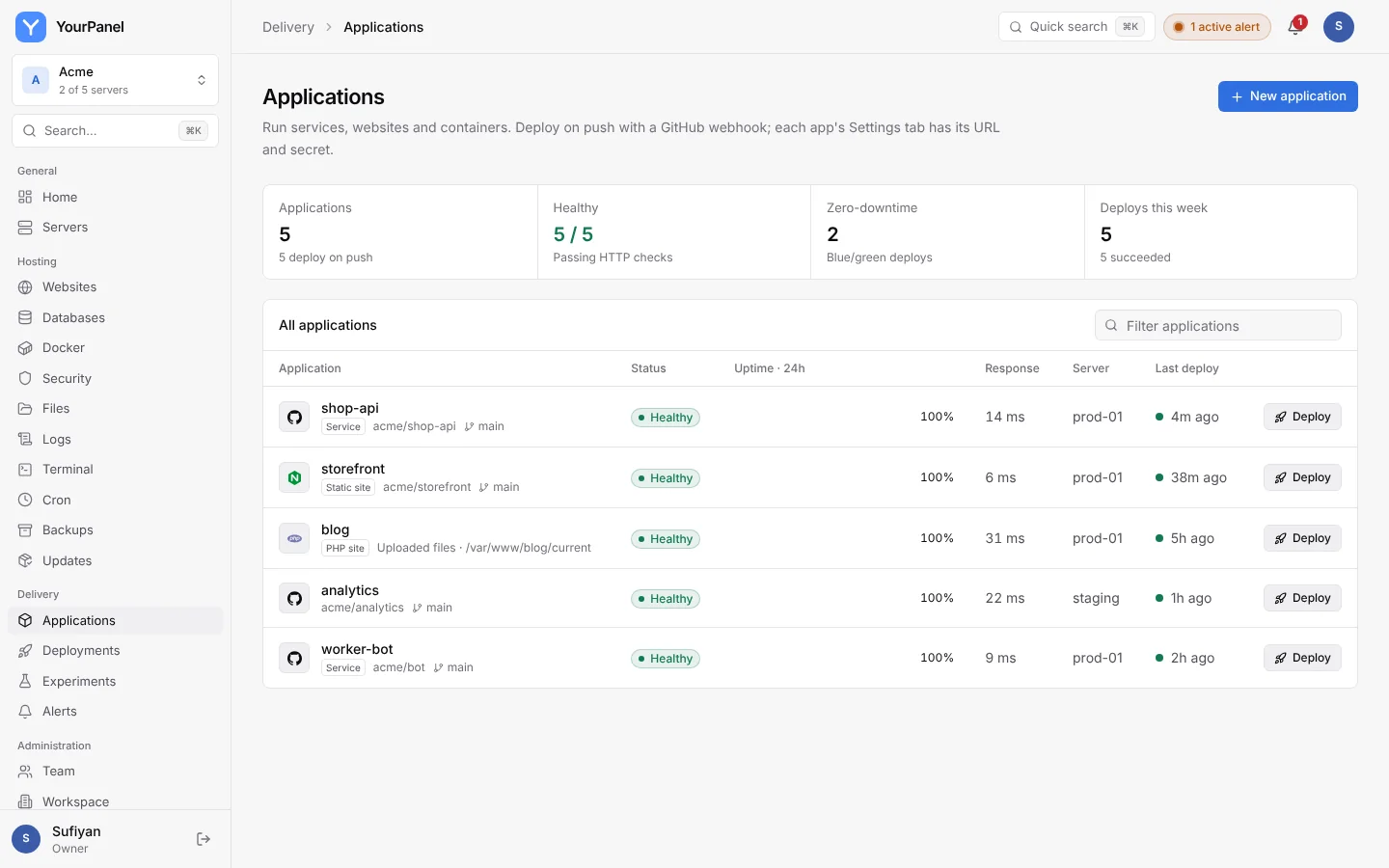
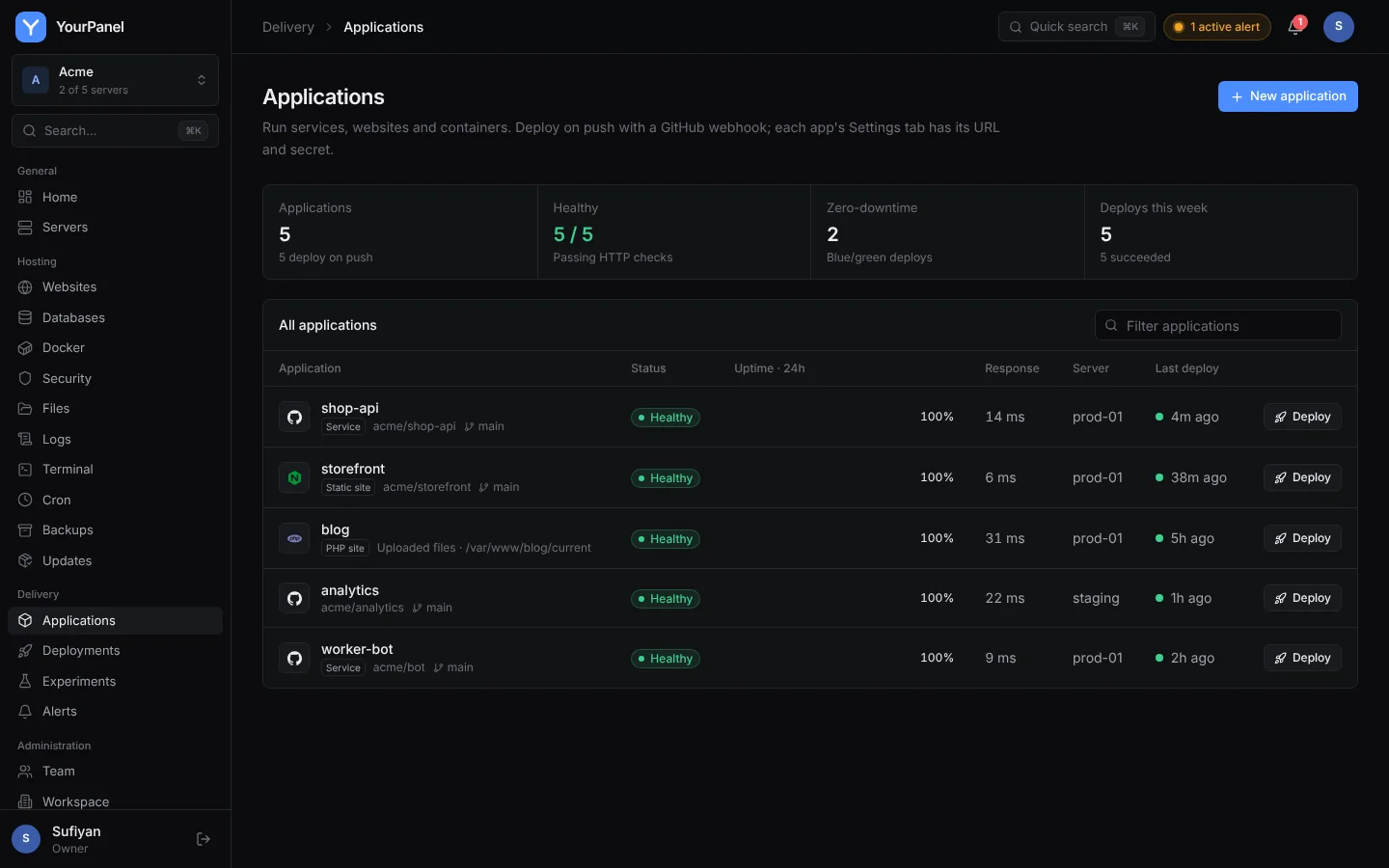
Node, Python, Go or any start command, run by systemd as its own user, with blue/green releases.
Build once and serve from Nginx, or run PHP with a PHP-FPM pool per app. WordPress and Laravel work as is.
Build from a Dockerfile, pull an image your CI pushed, or run a Docker Compose file. No Dockerfile? One is written for you.
Pick Node, Python, Go and PHP versions per app, or let them be detected from the repository.
Upload a zip or tarball instead of connecting a repository. Each upload becomes a release you can roll back to.
Queue consumers and other long-running processes, from the same release and environment as the web process.
Scheduled commands that run with the app's code and variables, with the output kept.
Cap each app so one runaway process cannot take the whole server down.
Each pull request is deployed to its own subdomain and removed when it is merged or closed.
Link a database and its connection URL is added to the app's environment on the next deploy.
A PaaS pipeline on your own servers
Git push to a healthy, live release, with the previous version kept until the new one proves itself.
Deploy #42
main · a1f9c2e- Clone
- Build
- Health check
- Live
Push webhooks with an HMAC signature, private repositories through an encrypted token.
The new release starts beside the old one and takes traffic only after its health check passes.
HTTP health check with a timeout. A failed check never replaces the running version.
Step-by-step progress and log, secrets redacted. Redeploy any earlier version in one click.
Split live traffic between the current release and a variant, compare conversions with a significance test, then promote the winner.
The deploy result is posted as a check on the commit.
Application output, access and error logs for each app, filter and follow.
Per-application env, encrypted at rest and never returned by the API.
Domains and HTTPS without hand-editing Nginx
Point DNS at the server, add the domain, and enable HTTPS.
Generated, validated with nginx -t, and reverted automatically if invalid.
Free certificates that renew automatically.
Warned before a certificate expires, configurable in days.
Blue/green deploys flip the Nginx upstream with no dropped requests.
The whole box, from the browser
Everything you would SSH in for, with role checks and an audit entry for each change.
xterm.js root shell over the agent socket. Admin only, audited, 30-minute idle timeout, can be disabled per server.
Browse, edit, upload, download, rename, chmod, compress and delete inside file roots. Atomic writes.
Create, pause, run now and read output. The panel owns /etc/cron.d/yourpanel only.
ufw rules with presets. Your SSH port is allowed before the firewall is enabled.
Folder archives and database dumps, on demand or scheduled, with retention and download.
Pending apt updates with security fixes flagged. Upgrade all or selected, reboot when required.
State, CPU, memory, restart count and logs. Start, stop and restart.
Top processes by CPU and memory, with stop and kill.
One-click databases, private by default
Engines run in Docker on the server you choose and listen on 127.0.0.1 only.
Linked databases
- LinkedshopPostgreSQL 16 · prod-01
- LinkedcacheRedis 7 · prod-01
Environment
injected on every deploy- DATABASE_URL
- postgresql://shop:••••@127.0.0.1:5432/shop
- REDIS_URL
- redis://:••••@127.0.0.1:6379/0
- NODE_ENV
- production
PostgreSQL, MySQL, MariaDB, Redis and MongoDB.
Strong passwords, encrypted at rest, revealed only through an audited endpoint.
Database backups on a schedule, alongside folder backups.
Health, logs and alerts
Know what is running, how it is doing, and hear about it when it is not.
CPU
last hourResponse time
shop-apiUptime
last 24 hoursHTTP check every 30 seconds per application, uptime percentage and latency.
Container output and systemd journals, filter and follow.
CPU, RAM, disk, server offline, app down, crash loops, failed deploys, SSL expiring.
Slack, Discord, Telegram and generic webhooks, with test button and severity filter.
Scrape fleet metrics with an optional bearer token.
Optional Compose profile with Prometheus, Loki and Grafana, with a servers dashboard ready.
Built for more than one person
Accounts per person, roles on every endpoint, and a record of who did what.
Owner, admin, developer and viewer, enforced server side on every request.
TOTP authenticator apps with one-time recovery codes.
httpOnly cookies, rotating refresh tokens, sign out other devices.
Logins, deploys, terminal sessions and every change, with actor and IP, hash-chained.
Fernet encryption for env vars, git tokens and database passwords.
Optionally restrict the panel to known networks.
Fits into what you already use
Everything in the panel goes through a REST API you can script.
Every action in the panel is an API call. Script it with a personal token limited to the role you pick.
Push and workflow webhooks, commit statuses.
Jump to any page, server or application with Cmd+K.
On the roadmap
Being built or planned next.
Toggle features per environment through an API.
S3 and B2 targets with one-click restore.
Loki queries inside the panel.
Create a free workspace and connect your first server.