The server panel that also deploys and monitors your apps
Manage websites, databases, files and firewalls, deploy apps on git push with zero downtime, and get metrics, uptime and alerts for every server you own, from one panel.
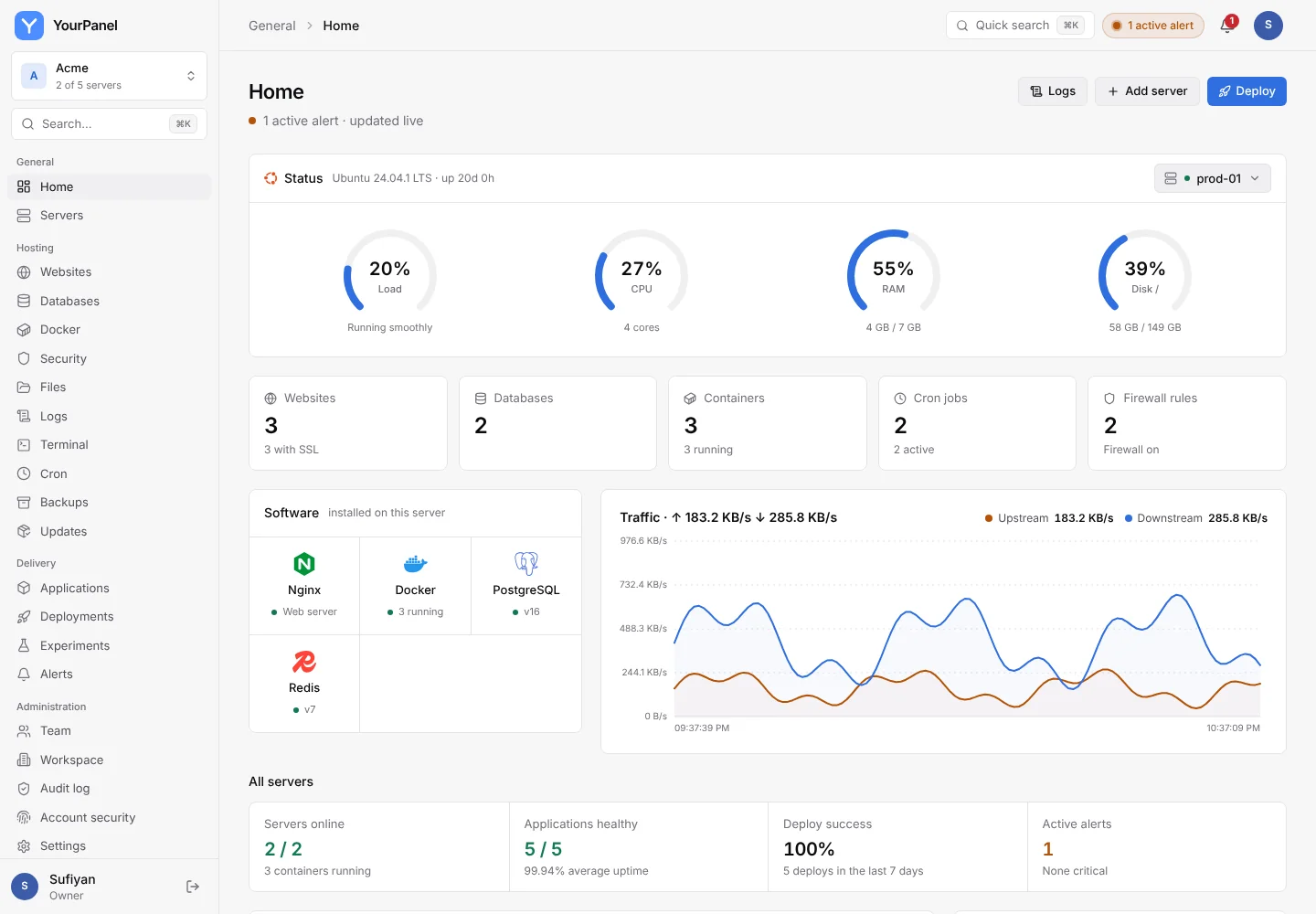
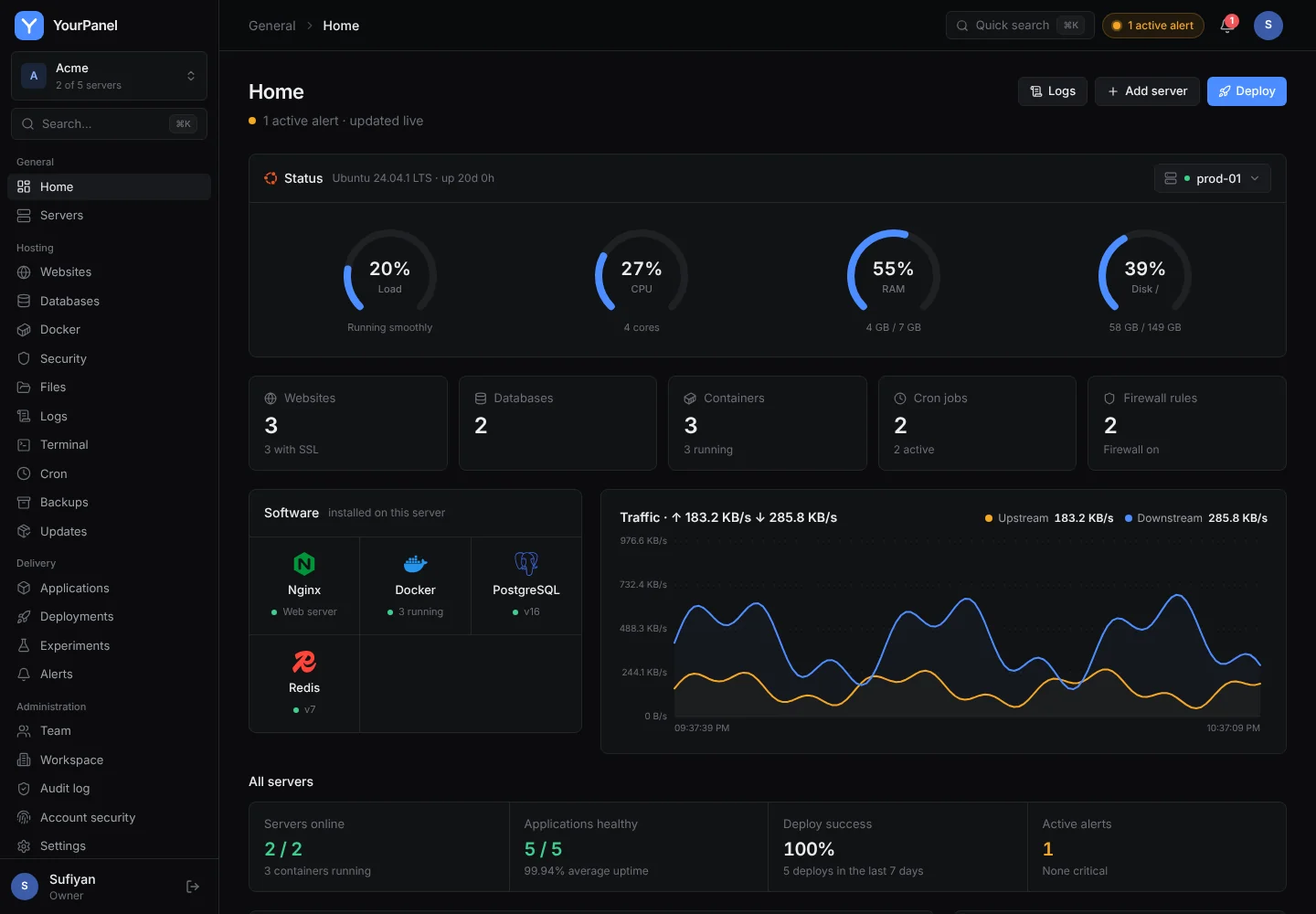
- Ubuntu
- Debian
- Docker
- NGINX
- Let's Encrypt
- Node.js
- Next.js
- Python
- Go
- PHP
- Laravel
- WordPress
- PostgreSQL
- MySQL
- MariaDB
- Redis
- MongoDB
- GitHub
- Prometheus
- Grafana
- Slack
- Discord
- Telegram
One panel instead of three tools
Most teams run a server panel, a deploy platform and a monitoring stack that never talk to each other. YourPanel does all three jobs, for every server you own.
- Terminal and file manager
- Websites with free HTTPS
- Firewall, cron and updates
- Deploys on git push
- Workers, cron and previews
- Zero-downtime releases
- Metrics with 7-day history
- Uptime per app
- Alerts to chat
- No inbound ports
- Roles and two-factor sign-in
- Verifiable audit log
What you see after you sign in
These are real screens from the panel, in the theme you are using right now.
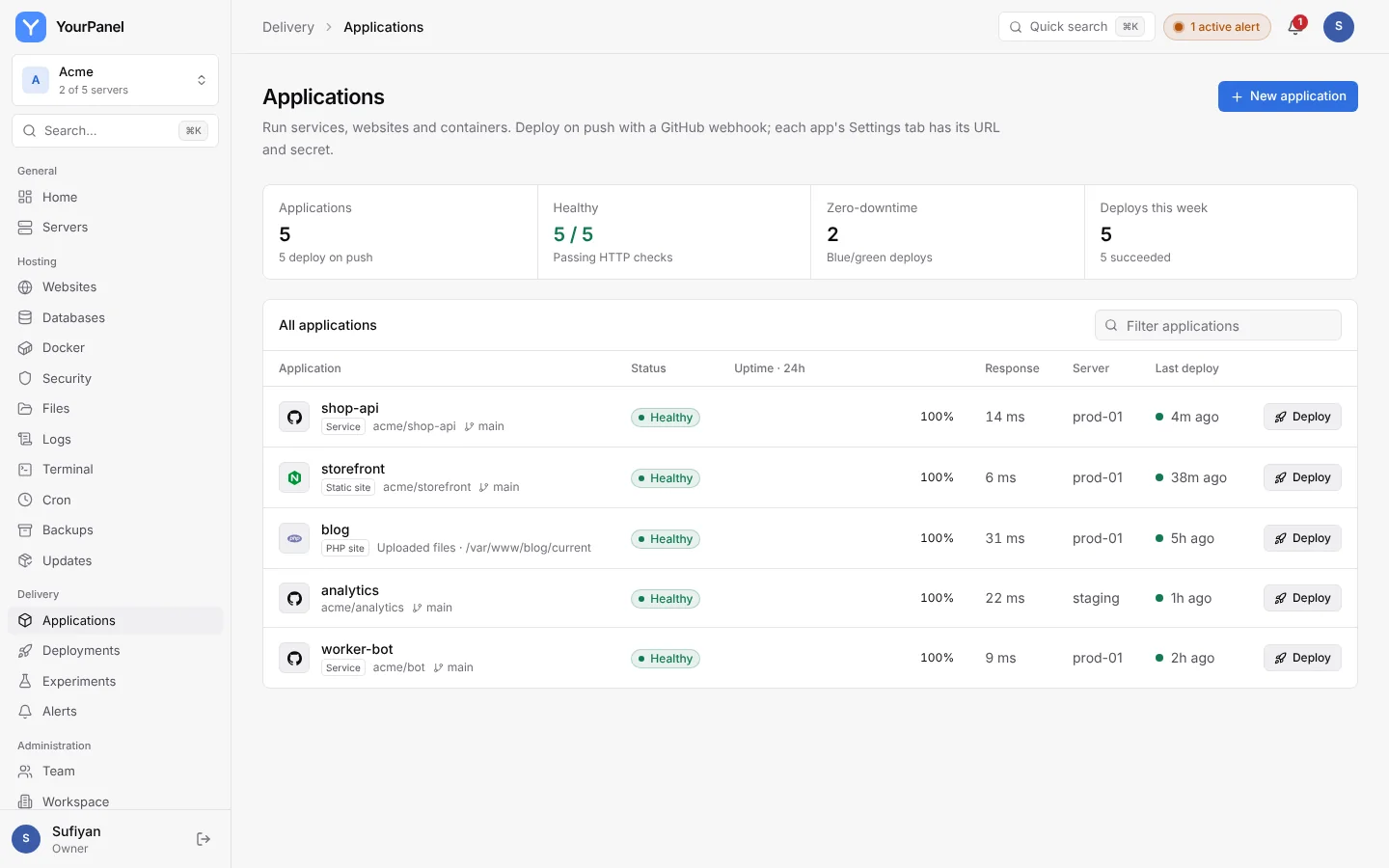
Every app with its health, uptime and last deploy
- Services, static sites, PHP sites and containers
- HTTP health checks every 30 seconds
- Deploy any app with one click
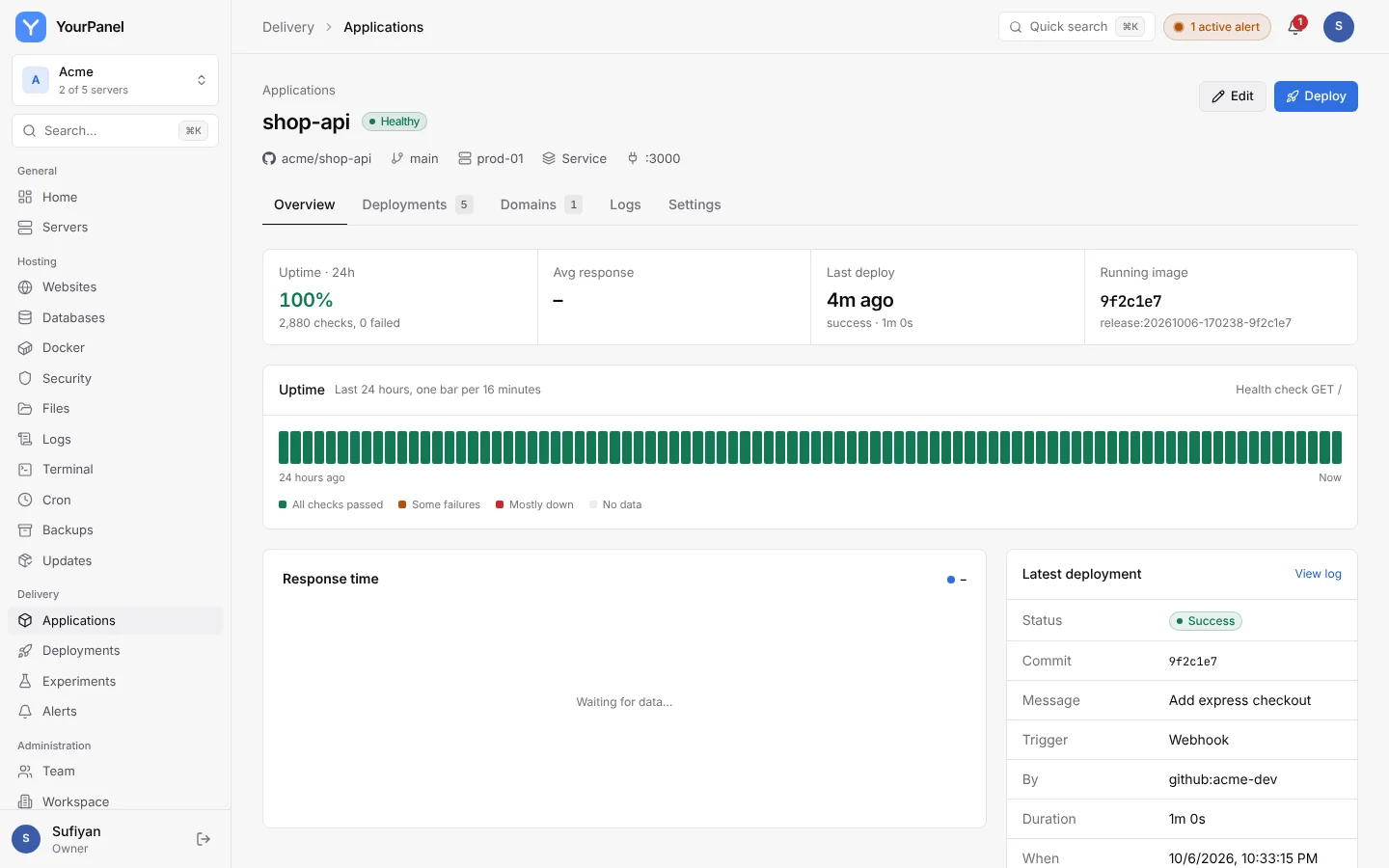
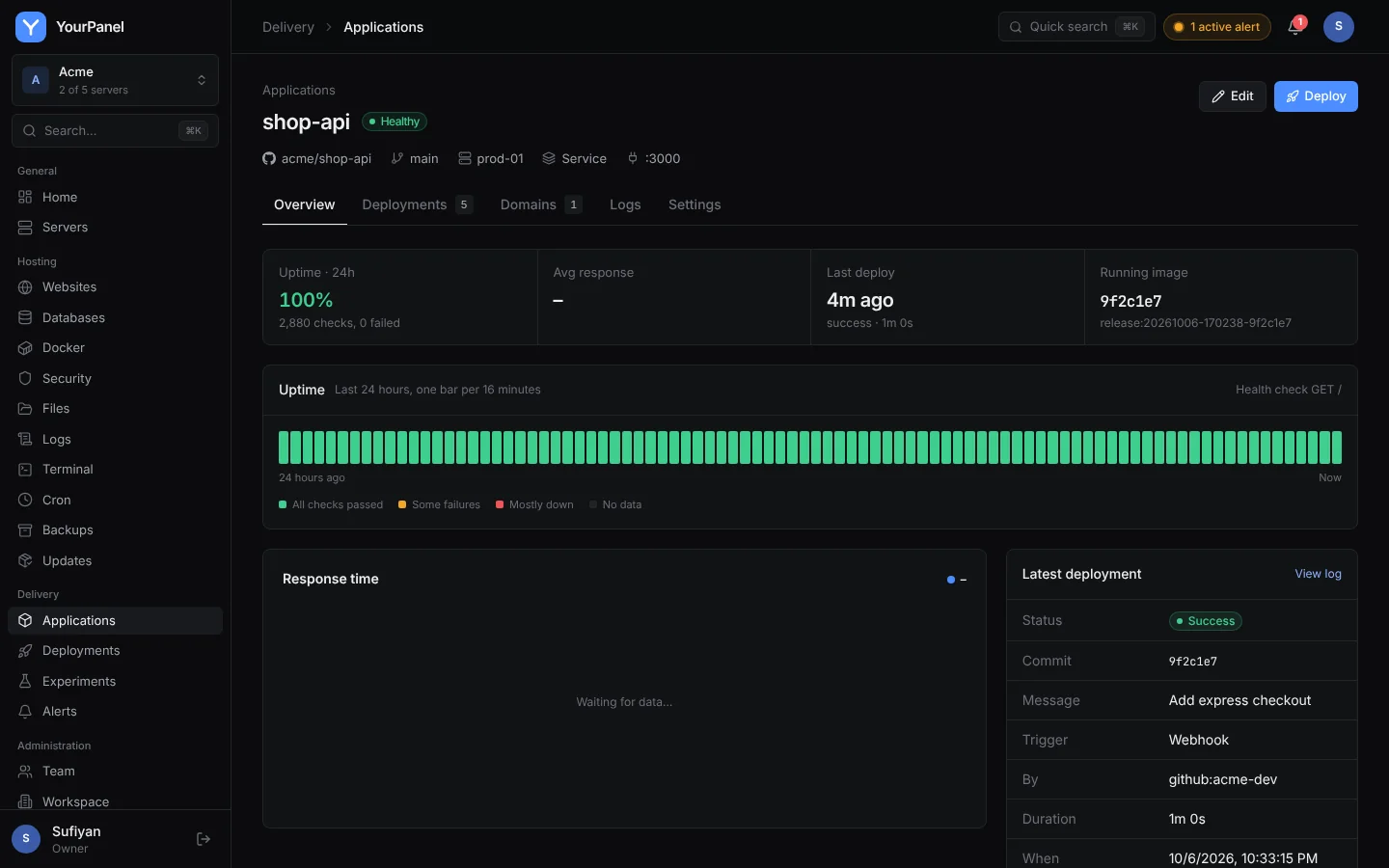
Run every kind of app, with or without containers
Point YourPanel at a repository or upload a zip. Run it as a systemd service, a static site, a PHP site, or a container built from a Dockerfile, a registry image or a Compose file. Runtimes are installed for you.
New application
shop-api · prod-01Push to deploy, with zero downtime and automatic rollback
The new release starts next to the old one and must pass an HTTP health check before Nginx sends it traffic. If it fails, the previous release keeps serving and you see why in the log.
Deploy #42
main · a1f9c2e- Clone
- Build
- Health check
- Live
Background workers, scheduled jobs and limits for each app
Run queue consumers and cron jobs from the same release and environment as your web process. Cap memory and CPU per app so one noisy process cannot take the whole server down.
Processes
same release, same env- up 3d 04:12:08LivewebBlue/greennode dist/server.js
- up 3d 04:11:52RunningemailsWorkernode workers/emails.js
- up 19:07:31RunningreportsWorkernode workers/reports.js
- next in 05:47:12Scheduled0 3 * * *Cronnpm run cleanup
Every pull request gets its own preview URL
Open a pull request and YourPanel deploys it next to production on its own subdomain. Push again and the preview updates. Merge or close it and the preview is removed.
Pull request previews
- #48HealthyRetry failed webhookspr-48.shop.example.com
- #47DeployingDark mode for receiptspr-47.shop.example.com
- #46HealthyFix coupon roundingpr-46.shop.example.com
- #45MergedCache product pagesMerged · preview removed
Create a database and link it to your app in one step
PostgreSQL, MySQL, MariaDB, Redis and MongoDB, bound to localhost on your own server. Link one to an app and its connection URL is added to the environment on the next deploy.
Linked databases
- LinkedshopPostgreSQL 16 · prod-01
- LinkedcacheRedis 7 · prod-01
Environment
injected on every deploy- DATABASE_URL
- postgresql://shop:••••@127.0.0.1:5432/shop
- REDIS_URL
- redis://:••••@127.0.0.1:6379/0
- NODE_ENV
- production
Know when something breaks, before your users do
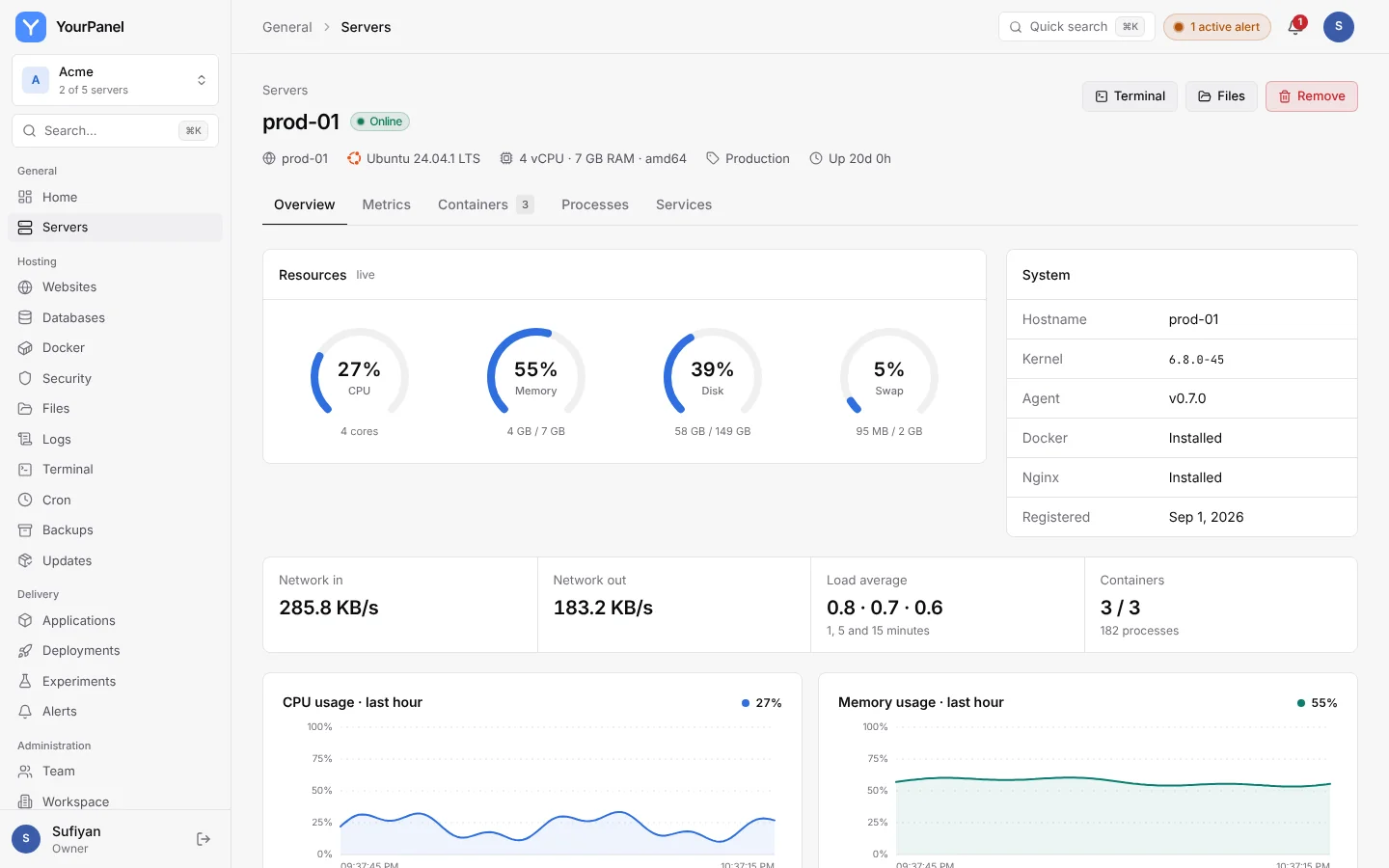
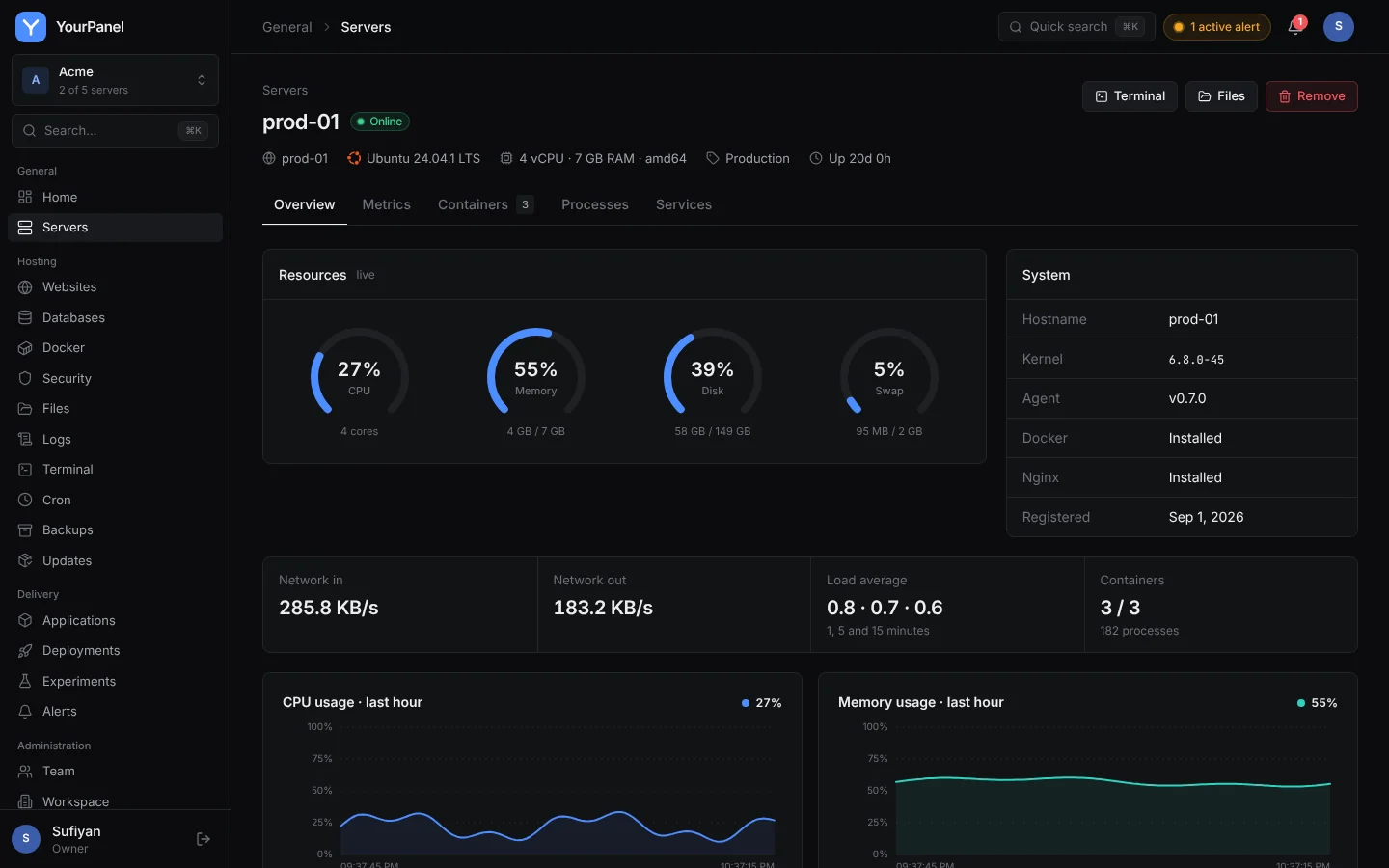
CPU, memory, disk and network stream in every few seconds with seven days of history. Every app gets an HTTP health check every 30 seconds, and alerts go where your team already talks.
CPU
last hourResponse time
shop-apiUptime
last 24 hoursShip two versions and keep the one that wins
Split live traffic between your current release and a variant. YourPanel compares conversions with a significance test, then promotes the winner through a normal zero-downtime deploy.
Checkout redesign
| Variant | Traffic | Conversion |
|---|---|---|
| Current release | 50% | 3.1% |
| New checkoutWinner | 50% | 3.9% |
Everything you used SSH for, in the browser
The everyday server panel jobs, done from the panel and recorded in the audit log.
Nginx sites and Let's Encrypt certificates that renew themselves.
A root shell over the agent connection, audited, with an idle timeout.
Edit, upload, chmod and compress inside allowed folders.
PostgreSQL, MySQL, MariaDB, Redis and MongoDB in one click.
Create, pause, run now and read the output of every run.
ufw rules with presets. SSH stays allowed when it turns on.
Folder archives and database dumps on a schedule, with retention.
Pending apt updates with security fixes flagged.
Host what you already build
If it runs on Linux, it runs on YourPanel. Some of what teams deploy:
Nothing on your servers listens for the panel
Each server runs one small Go agent that opens an outbound WebSocket and runs only allowlisted actions. The panel itself is protected like the bastion it is.
Agents dial out. SSH, Docker and systemd are never exposed to the panel.
TOTP with recovery codes, rate limiting and account lockout.
Owner, admin, developer and viewer, checked on each request.
Every change is hash-chained, so edits or gaps are detectable.
Env vars and git tokens are encrypted and never returned by the API.
No shell strings, validated arguments, files confined to set folders.
- app.deployshop-api #42prev 9c22e1hash e7b04d
- firewall.allow443/tcp · prod-01prev e7b04dhash 13dd8a
- token.createci-deployprev 13dd8ahash a06f3c
A server panel and a PaaS, on your own servers
Server panels manage the box, platforms deploy the app. YourPanel does both, across many servers, without opening ports on them.
| Capability | YourPanel | aaPanel | cPanel | Render, Railway |
|---|---|---|---|---|
| Runs on servers you own | ||||
| Many servers from one login | One panel per server | Through WHM | Not applicable | |
| No inbound ports on your servers | Not applicable | |||
| Websites, Nginx and free HTTPS | ||||
| One-click databases | ||||
| Terminal and file manager | Shell only | |||
| Firewall, cron and package updates | Partial | Not applicable | ||
| Deploys on git push | Limited | Manual setup | ||
| Health-checked zero-downtime deploys | ||||
| Background workers and app cron | Via plugins | Cron only | ||
| Pull request previews | ||||
| Metrics history and alerts | Basic | Basic | ||
| A/B experiments with a significance test | ||||
| Tamper-evident audit log | ||||
| Large one-click app catalogue | Templates |
Based on each product's public documentation at the time of writing. Spotted something out of date? Let us know.
Up in five minutes on a server you already have
Create a free workspace, then run one command on each server. The agent registers with a one-time token, starts as a service and connects out to your panel.
- 1Create your workspaceSign up with your email, invite your team and turn on two-factor sign-in.
- 2Add your serversCopy the install command from Servers, Add server. The server is online in seconds.
- 3Deploy and watchConnect a repository or upload a build, add a domain, and let health checks and alerts do the rest.
$ curl -fsSL https://panel.yourpanel.host/install.sh \| sudo bash -s -- --token <ONE_TIME_TOKEN> --with-nginxconnected · prod-01 is online
- Any systemd Linux server, amd64 or arm64
- Nothing to open: the agent connects out over wss://
- The command with your token is shown in the panel
Questions, answered
Do I need to open any ports on my servers?
Do my apps have to run in Docker?
Which servers are supported?
What happens if the panel is unreachable?
The agent runs as root. How is that safe?
Can I use my existing CI instead of building on the server?
Does it work with Prometheus and Grafana?
Take back your servers from a dozen SSH tabs
Create a free workspace, connect your first server and deploy in minutes.